Spotify 프로모션
Tips for Making the Most of Your Spotify Artist Profile

Nadav Peleg
업데이트됨 · 10분 읽기
In the following text you will be able to learn tips and tricks for making the most of your Spotify artist profile, and getting your music heard by many.


On this page
- Before Diving Into Your Spotify Artist Profile Upgrade
- Pick A Pic For Your Spotify Artist Profile
- Write Your Spotify Artist Profile Bio Like A Pro
- Fill Out All The Information On Your Profile
- How do Artists make the most on Spotify?
- How Can You Boost Your Spotify Plays?
- Promote Yourself And Your Songs On Spotify
- Tips For Creating A Personal Playlist On Spotify
- Get Help From Playlist Spotify Editorial Team And Curators
- Know Your Stats
- Conclusion
Let's go to the basics first! You should be aware of how vital making the most of your Spotify artist profile is. Imagine you are in a sea of sameness, and you finally come across something or someone different and unique.
I bet you would feel overwhelmed by your discovery, trying to learn more about it. My fellow artist, that's exactly what your profile should do to the people discovering new music!
The way you display yourself should be creative, distinctive, and relatable. I am not referring solely to your music but also to the way you are visually and verbally presenting yourself to a new fan (gathering more and more of them).
Listeners want to know who is the one speaking to them through music. They want to get to know you and create a deeper relationship. So, please feel free to skip boring pictures and generic introductions like "Hi! My name is y/n, and I am going to sing a song." Choose wisely and help others discover, enjoy, stream and purchase your songs!
Before Diving Into Your Spotify Artist Profile Upgrade
The following tips can help you create a Spotify artist profile that makes everyone go 'wow,' increasing your follower count and getting your music heard, and kickstarting your music career. But remember one thing, if you still don't have a personal Spotify profile, it's the perfect time to make one, and you can claim it from Spotify for Artist website. Just follow a few easy steps and start managing your artist page.
Sign up for Spotify for Artists and become a verified Spotify artist, which allows you to dive into numerous beneficial features other than customizing your Spotify persona and having that cool blue verification mark.
Viewing audience statistics, connecting with the Spotify editorial staff or individual playlist curators, and gaining access to music marketing tools, are just some of the available features that can help you boost your Spotify plays, and I will dive into their usefulness a little bit later.
For now, let's head back to the first step in shaping your bright artistic future, which is the creation of your artist biography and choice of the right pictures, with the final goal of making the most of your Spotify artist profile!
Pick A Pic For Your Spotify Artist Profile
Show us your vibe, pull us into your world – that's the power of a photo, so choose wisely. Don't get me wrong, an old-fashioned professional headshot is also lovely but do you remember what we said before? Be different in the sea of sameness! That means you should pick a photo that can represent the aesthetic of your music or your life philosophy, alongside your handsome looks. Make your online appearance truly yours!
Sharp-looking, bright, vibrant photos can stick out, especially considering the darker IU inherent to Spotify's app. High quality is also must-have in this context. Who likes those pixelated, low-quality photos anyway?
Note that depending on which Spotify app you are using (one on a smartphone, tablet, smart TV, or laptop), pictures can be accordingly cropped, so choose the one with more prominent margins and place yourself in the center.
Besides your profile picture, you can use a dedicated photo gallery and add many pictures to showcase your music environment, and it really can spice up your profile. You can delete the images or change the order of their appearance.
This function can keep your artist profile updated and fresh, showing new sides of yourself and your music (e.g. pictures from your performance, studio, etc.)
Keep in mind:
- Supported resolution: jpeg, gif, or png
- Chose high-resolution photos, at least 2660x1140, not bigger than 20 MB
- Maximal number of images: 125
- Chose bright, clean, and interesting pictures with more prominent margins
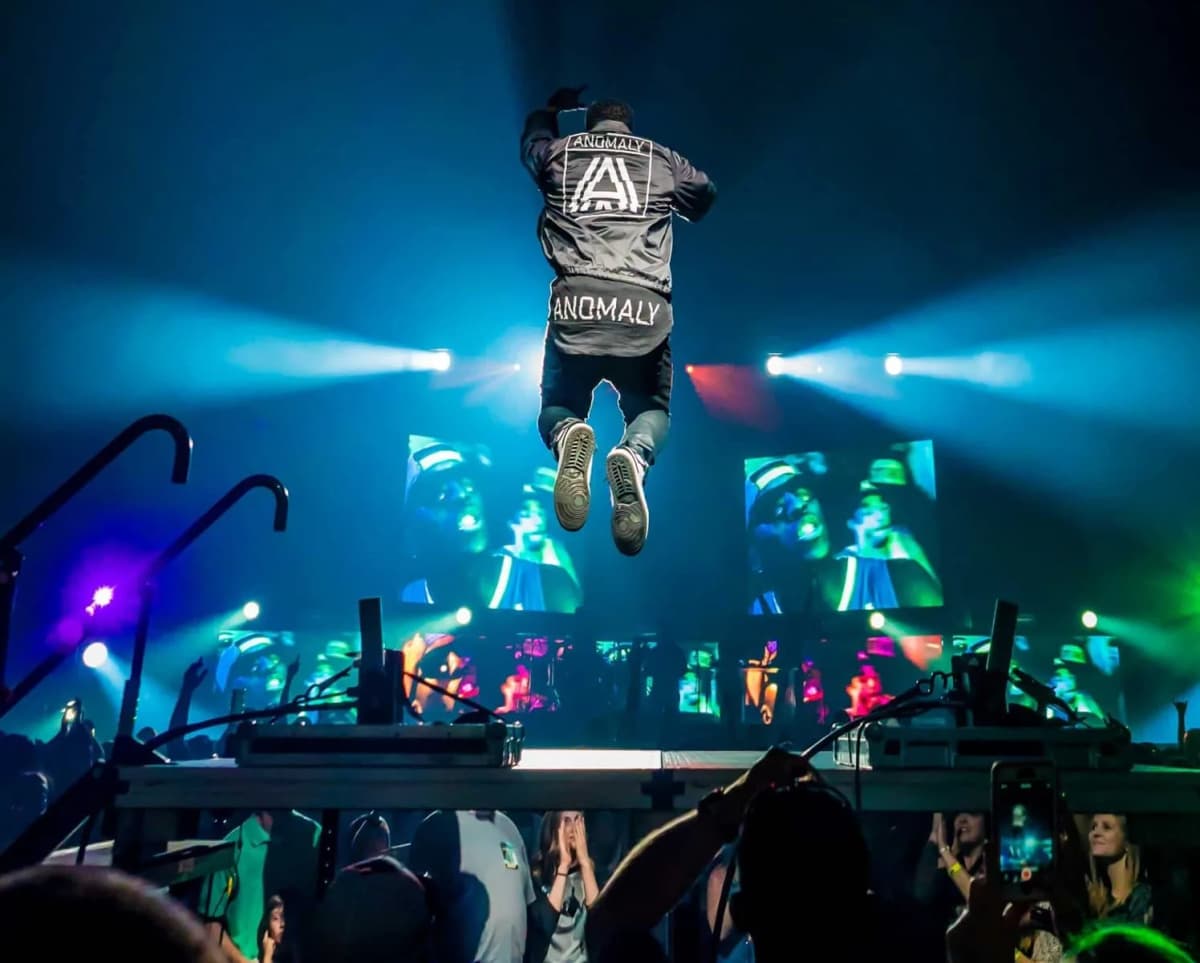
Photo by Karsten Winegeart on Unsplash
Write Your Spotify Artist Profile Bio Like A Pro
In front of you, there is a space for 1500 words. And, no, you can't fill it up with random words to make it look complete. Again, no, you can't give up after writing a few sentences. This is your space to write a compelling artist bio. This is your time to shine and make us see how passionate you are about your work.
Use bio to tell us your story, what inspires you, and what makes your heart flutter when it comes to music. Tell us more about your work, and help us understand your message better. If you have some outstanding achievements, this is not a time to be shy about it.
Speak about that excellent performance you had, the award you got, or a review from fellow artists or critics. Listeners love to know that your music is viewed positively by others – this is an excellent indication that you are worth their time.
Keep in mind:
- Write up to 1500 words.
- Make us see that you are worth the attention.
- Be inspirational and relatable.
- Link your music, the music you are featured on, and playlists and use the '@' symbol to search for playlists, artists, or albums
Fill Out All The Information On Your Profile
Share all details about your music, from the genre to the label you're signed to (if any), song titles, and album titles. Include as much info as possible so that audiences can discover and enjoy your music
"Artist's Pick" is one of Spotify for Artists' features, and it's one of the most important to be updated regularly. You may use this function to pin a song, an album, your upcoming gigs, upcoming tour, or personalized playlists to the top of your Spotify artist page along with a short note. This is your chance to customize your artist page and share the news or what inspires you.
How do Artists make the most on Spotify?
If you want to buff up your Spotify streams, you need to be aware of the importance of your actions. Spotify tracks your activities, plays, likes, and shares, so the more followers and streams you earn, the higher you will come out in searches.
Now you know how to make your Spotify profile shine, but is there anything you can do more for your music? You bet there is, so stick around because I will show you some essential tips and tricks for making the most of your Spotify artist profile, like using a Spotify Canvas video for your song.
How Can You Boost Your Spotify Plays?
There are a few proven methods to get more streams and followers. In the next section, I will discuss four main points that can bring you closer to the desired success.
I will talk about:
- Promotion
- Spotify Playlists
- Playlist curators and Spotify Editorial team
- Insights into data and analytics
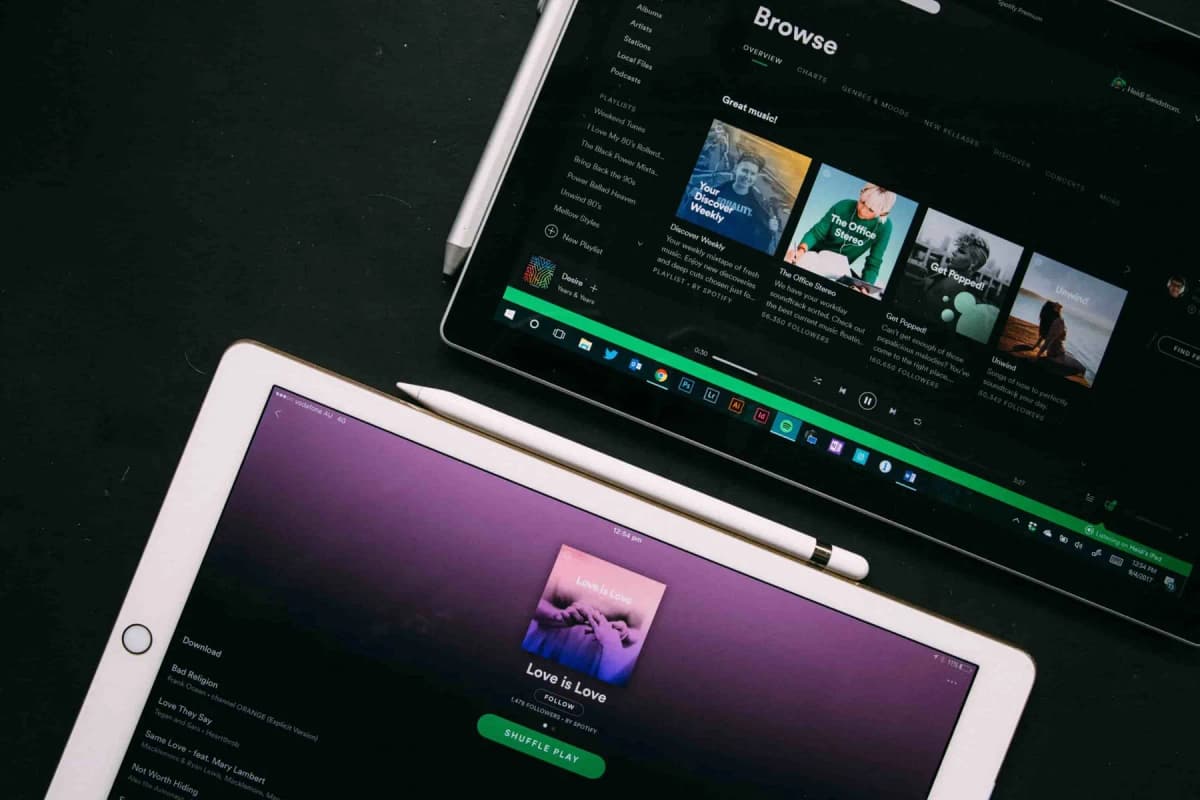
Photo by Heidi Fin on Unsplash
Promote Yourself And Your Songs On Spotify
Sharing is caring! That's a golden rule for making it big on the major streaming platforms such as Spotify, Apple Music, etc. Music streaming platforms make it easy to share your work with others online and get the recognition you deserve.
Share your releases and playlists anywhere you can! If you are an active social media user, have a website or impressive list of contacts who would love to hear your latest releases, click that share button and enjoy the consequences.
Vice versa! On your Spotify artist profile post links that lead to your Twitter, Facebook, or/and Instagram accounts. That helps you connect with your listeners on other platforms, keeping them engaged and up-to-date on everything you do.
Remember, your listeners and music fans are keen to get to know you, so use your online presence to create a bond and inspire others. Don't be passive!
Spotify Codes are also great for making the promotion easier. You can create and share these scannable tags everywhere. Make a code for your profile, songs, albums, playlists, etc.
Tips For Creating A Personal Playlist On Spotify
Spotify playlists are huge stream boosters! Unfortunately, it's not easy to get featured on the popular playlist because they are managed by Spotify editorial staff or other labels. But luckily, you can personally create playlists after setting up your profile on Spotify for Artists and having a verified profile.
An artist's playlist can be consisted of inspiring songs and musicians, but you can also add your tracks which is another way of promoting your sound.
Keep in mind:
- Be active and cooperate with other artists. By sharing each other's music, you can help them (and yourself) attract more streams and followers.
- Try updating and editing your playlist often. This is how you can be seen as active on Spotify, which is vital for your future progress. Furthermore, your followers will get a notification about the change, so they will keep remembering you.
- By regularly sharing playlists on social networks you can gather more streams. Remember the Artist's Pick feature? Pin your playlists on your artist page by using this feature.
- Personalize your playlist. Add a cool picture. Add a name that will reveal what inspires you or the mood of chosen songs.
Get Help From Playlist Spotify Editorial Team And Curators
There are different types of Spotify playlists in terms of management. Some of them are created through algorithms, some by users (including yourself), and some are generated by Spotify editorial staff or autonomous curators.
Send your unreleased music for playlist consideration to Spotify's team and playlist curators. Take that chance to be featured on some great playlists that can get you more streams and a number of followers.
Collaborate with music pitching platforms such as SoundCampaign, which helps music artists like yourself to get in touch with playlist curators and much more.
Know Your Stats
Thanks to Spotify for Artists, you are getting insights into the statistics on who is listening to your music, which playlists are generating new listeners, and more. This kind of info is truly valuable when planning new releases, performances, and digital marketing campaigns.
- You will be able to conclude what type of songs your listeners prefer or where your fans are coming from and maybe plan a performance there. Find out how your listeners discover your music and analyze their engagement. Use this diverse data to figure out what are your weak and strong points and work on fixing or boosting them.
Conclusion
Music streaming services are rapidly changing the music industry. Spotify is one of the best in the field and can offer you an opportunity to make it big when it comes to the digital distribution of your music.
If you decide to use Spotify as your primary music sharing space, it is beneficial to dive into all the functionalities this music streaming service has to offer, including how to upload music to Spotify as an artist. The right approach to this matter is to always stay updated and to know how to use all the tools you are given.
Read a lot about the subject, communicate with other artists, share your experiences, and you will never walk alone on this challenging path. Don't think of Spotify as "just a streaming service", because if you use it wisely it can help your music career shine in many ways.
- But remember, the main focus is on your music; thus, always give your best and never give up conveying your message to the world. Your progress may seem slow initially, but take your time and build a career that will last.

SoundCampaign 창립자 겸 CEO
저는 나다브입니다. 지금의 회사를 만들기 전에는 음악을 만들었고, 마케팅에 관심을 갖게 된 것도 거기서 비롯됐습니다. 제가 가장 좋아하는 부분은 분석 쪽입니다. 스트림이 어디서 오는지, 무엇이 움직였고 무엇이 움직이지 않았는지 보는 일이죠. 아티스트에게 진짜 의미 있는 노출을 주기 위해 SoundCampaign을 창업했습니다. 예상보다 훨씬 많은 시간과 노력이 들었고, 그 점은 지금도 크게 다르지 않습니다.

당신의 음악을 알릴 준비가 되셨나요?
매 단계마다 솔직한 피드백과 함께 실제 플레이리스트, 크리에이터, 팬에게 다가가는 수천 명의 인디 아티스트와 함께하세요.
- 봇은 절대 사용하지 않습니다
- 아티스트 보호 프로그램큐레이터나 크리에이터가 트랙을 리뷰하지 않으면 크레딧을 돌려드립니다. 당신의 예산은 항상 보호됩니다.
- 저작권료의 100%를 그대로 유지하세요저희는 레이블이 아닌 프로모션 서비스입니다. 스트림이나 저작권료의 일부도 가져가지 않습니다.